
PRIMOS LANDZ · PLAYER GUIDE
A home to build.
A Primo to grow.
Put your Primos to work, turn resources into a stronger LANDZ, and prepare for the world beyond it. Start with what you own and choose one next step.
I own LANDZ
Build a productive home and protect the resources you collect.
Start with my LANDZ →
I own Primos
Find a place to work, collect your share, and follow your Primo’s progress.
Put my Primo to work →
I own both
Work your own land to keep both shares, then prepare missions and an army.
Build my next objective →No NFTs yet? Explore the separate Freecamp path to learn with regular troops.
Your next step starts with a question
Connect your wallet using Connect Wallet in the app navigation. Then choose the question that matches what you want to do. Choose a goal, check what you need, and take your next step. Use the reference below for detailed rules, costs, and tables.
- I own LANDZ. Where do I start?
- I own a Primo. Where can I use it?
- How do I prepare my first mission?
- What should I protect before I fight?
- I lost a battle. What can I recover?
- Why compete for a pillar?
- Which resources can I spend, and which can I claim?
01 · Build a home
I own LANDZ. Where do I start?
Start with one LANDZ and one useful improvement. Production gives you materials; those materials let you expand your buildings and prepare your defense.
Open My Landz, choose a LANDZ, and check its buildings. Follow LANDZ Initiation if it is available for your account.
If you own a ready Primo, assign it to a Farm, Mine, or Lumber Mill with an open slot and the required tools. Without a Primo, your buildings can still receive other players’ workers.
Collect available production and choose a build or upgrade. Its material plan shows the cost and what you still need before you confirm.
Other players keep their 80% worker share; you receive 20% as the owner. Using your own Primo on your own LANDZ keeps both shares. Axie Lands have stone-only Mines and no Refinery.
02 · Give your Primo a purpose
I own a Primo. Where can I use it?
Your Primo can produce resources even if you do not own land. Start with a work assignment, then decide when to use it for transport or Shaman missions. Leading a LANDZ army requires your own LANDZ.
Open Primos to check availability and XP. An active assignment or trip may prevent another action.
Use Explore to find a public production building with an open slot, or open your own LANDZ. Check the resource and tool requirement before assigning.
Collect production immediately. The rolling 22-hour work cooldown controls reassignment, not collection. Check the timer before your next assignment.
Primo levels persist with the NFT from 1 to 99. They improve espionage chances, not production or troop ATK/DEF. The XP panel shows your next level; Caravan and missions have their own availability rules.
03 · Plan your next return
How do I prepare my first mission?
A Shaman’s House mission sends Primos on a timed assignment for a displayed reward. Choose a mission whose requirements and return time fit your next session.
If you own LANDZ, open your own Shaman’s House or review missions in My Landz. With Primos but no LANDZ, use Explore to find a Shaman’s House with an available mission.
Read the required Primos, resources, duration, and reward. Select available Primos and confirm only when the requirements are met.
Return when the mission finishes and claim the result from the mission panel. Those Primos are committed while the mission is active.
Freecamp has a separate Shaman expedition flow in My Camp: you select regular troops, launch a timed combat trip, and review its battle report. It is not a LANDZ Primo mission. LANDZ owners use their own Shaman’s House; Primo-only players can use an eligible Shaman’s House on another LANDZ.
04 · Protect what you built
What should I protect before I fight?
Check exposed resources, your defending army, and building condition before launching an attack. Each LANDZ needs its own preparation.
Review the LANDZ storage and Hideout capacity. Resources beyond protection can be exposed to raids.
Check the troops left on that LANDZ, their readiness, and formation. A Defense Tower needs HP and must not be upgrading or repairing; arrows enable its separate attacks and interceptions.
If you need a shield, review its activation conditions before warfare begins. Buying a shield does not activate it, and an attack already in flight continues.
An active shield prevents new attacks; launching an attack breaks the applicable protection. Before choosing a target, consider its defenses and your return trip as well as its resources.
05 · Learn, recover, prepare again
I lost a battle. What can I recover?
Read the battle report before rebuilding. It separates survivors, wounded troops, deaths, and the outcome so you can see what to change next time.
Open Battles and read the report or available replay. Check the formation, counters, readiness, and losses.
Wait for surviving outgoing troops to return. On your LANDZ, use Heal Troops for wounded regular troops and review its Pumpkins cost.
Train replacements for dead regular troops and repair damaged buildings from their own panels. Recheck your defense before committing another army.
Healing restores wounded troops; it does not resurrect dead units or restore stolen resources. Losing an invoked unit does not destroy its original NFT; a new invocation has its own requirements and cost.
06 · Give your army a larger objective
Why compete for a pillar?
The six Power Spots are shared map objectives. A held pillar produces its displayed resource over time, while its garrison remains exposed to challengers.
Open the World Map and select a pillar. Read its current holder, garrison, resource, and hourly production rate.
Prepare a Hero Primo and army from your LANDZ. After a successful capture, surviving attackers stay as the pillar’s garrison rather than returning immediately.
Use Claim in the pillar panel to send available production to a LANDZ you own. Manage reinforcements or withdraw through the pillar’s actions.
Pillar battles do not loot LANDZ resources or capture workers. Weekly settlement is separate from hourly production and uses a holder snapshot, not time-contribution points. Coordinate with your alliance and budget for troops committed away from home.
07 · Decide what to keep in play
Which resources can I spend, and which can I claim?
Keep the materials you need for your next action in game storage. Fire Dust, Pumpkins, Zand, Candiez, HweenPointZ, Pumpkin BaZkets, and Zugar support on-chain claims. Wood, Stone, and tools stay in the game.
Check Personal and LAND storage balances. Each action tells you which balance it uses; some costs must come from one specific LANDZ.
Use stored materials for supported upgrades, training, healing, or Market trades. Review the exact cost and source before confirming.
For eligible claimable resources, use a Primo Caravan to package them. Review Ready to Claim, the displayed fee, and current limits before the on-chain claim.
PACKAGED resources are reserved for claiming and are not part of your spendable balance. Not every resource can be claimed. Collecting production or a mission reward into the game is different from claiming tokens to your wallet.
KEEP EXPLORING
Freecamp and the full game reference
Use the chapters menu whenever you need a specific mechanic. The reference keeps the detailed tables together so you can return to them while planning your next move.
Can I Play Without NFTs?
Yes. If you connect a compatible browser wallet that does not own LANDZ, Primos, or other game NFTs, the game gives you one Freecamp. Think of it as LANDZ without LANDZ: a lightweight raider camp that lets you learn attacks, missions, troop production, and battle reports before buying NFTs.
Your Freecamp
- One Freecamp per wallet
- Created automatically when an eligible wallet connects
- Shown on the outer ring of the world map
- Managed from the My Camp page
- No LANDZ, Primo, worker, or building is required
Aggressive Trial Loop
- Choose which troop mix your camp should produce
- Troops generate automatically until the camp reaches its cap
- Attack LANDZ from the map when your camp is ready
- Freecamp attacks send the selected raiding army
- Winning attacks give XP and may find exposed loot
Rewards & Limits
- Freecamp missions can reward Fire Dust
- Loot stolen from LANDZ stays in Locked Loot
- A Primo caravan is required to extract locked loot
- Freecamps do not produce passive resources
- Buying LANDZ turns the camp into a system raider
Freecamp Progression
Freecamp level is based on XP. Higher levels increase the population cap, but the camp can lose XP if another player attacks it and wins. Losing your own outgoing attack costs troops and time, but does not reduce your XP.
| Level | XP Needed | Population Cap | Meaning |
|---|---|---|---|
| L1 | 0 | 50 | Starter camp |
| L2 | 100 | 75 | More raiding power |
| L3 | 250 | 100 | LANDZ raid path opens up |
| L4 | 500 | 125 | Stronger outer-ring threat |
| L5 | 900 | 150 | Max Freecamp progression |
When Should I Buy NFTs?
Freecamp mode is built to teach the attack loop, not to replace ownership. A Primo NFT lets you use caravan extraction for locked loot. A LANDZ NFT gives you a permanent base with buildings, workers, upgrades, defense, passive land income, and the full PvP economy.
LANDZ NFTs
LANDZ are the core property NFTs of the game. Each land comes with buildings where workers (Primos) can produce resources. As a landowner, you passively earn 20% of everything produced on your land by other players.
Rarities
There are 5 rarity tiers. Higher rarity means more building slots (more workers can produce simultaneously) and better upgrade potential.
| Rarity | Lv1 Slots | Lv5 Slots | Pop Cap | Notes |
|---|---|---|---|---|
| Original | 2 | 16 | 100 | Base tier |
| Rare | 5 | 23 | 125 | -- |
| Epic | 7 | 43 | 150 | High-cap tier |
| Legendary | 10 | 80 | 175 | Very high-cap tier |
| Genesis | 75 | 75 | 200 | Fixed slots, Mystic biome |
Biomes
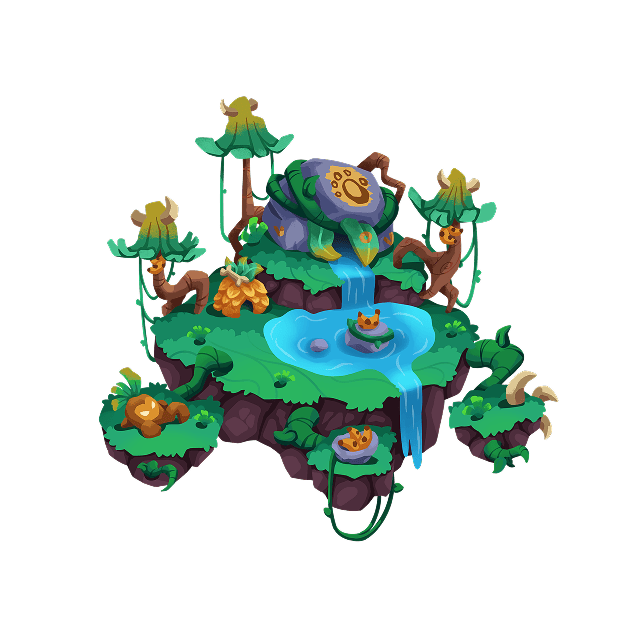
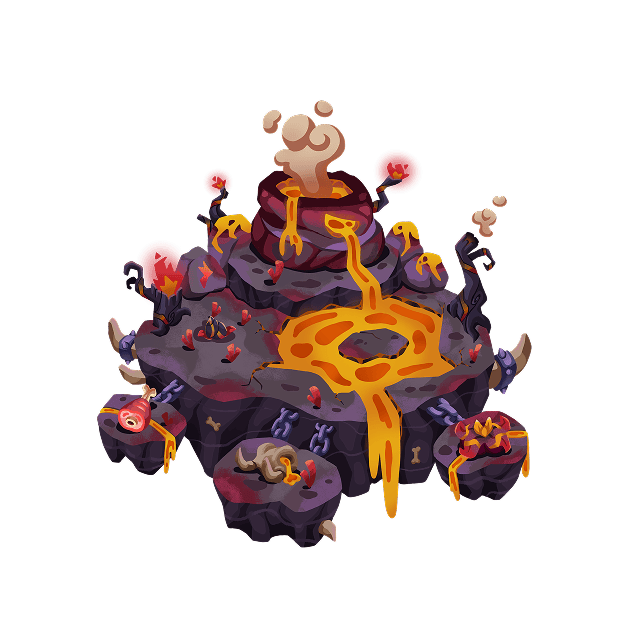
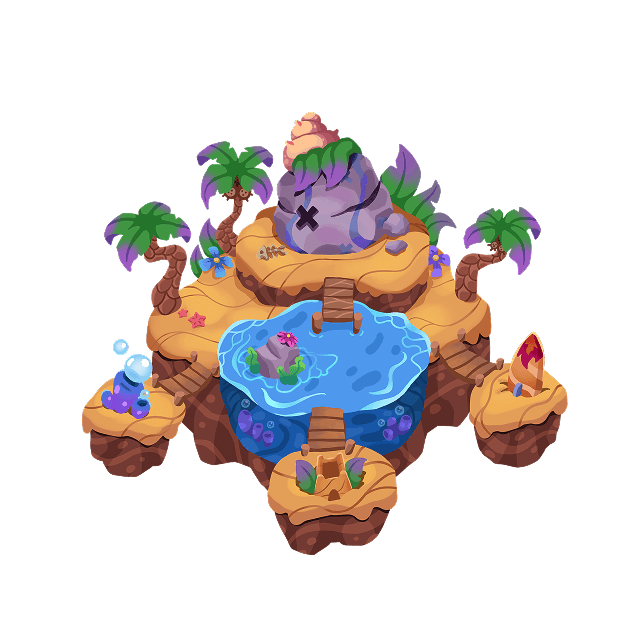
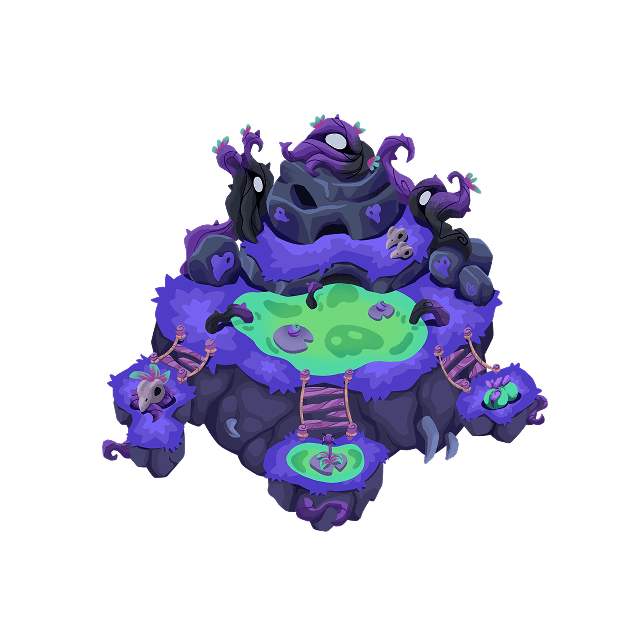
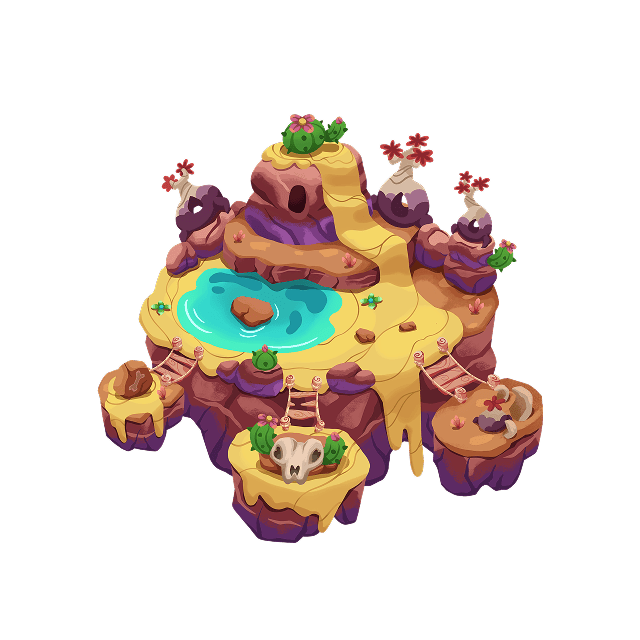
Each land belongs to one of 7 biomes. Biomes give defending armies different bonuses; check the PvP reference before choosing your troop mix.


Primo NFTs
Primos are your workforce. These NFTs are assigned to buildings on lands to generate resources. When a Primo works, it produces resources instantly -- no waiting for timers. After working, the Primo enters a 22-hour cooldown before it can be reassigned to a different building.

How Primos Work
- Assign a Primo to a building slot (Farm, Mine, etc.)
- Resources are generated instantly
- 80% goes to the worker, 20% goes to the land owner
- Primo enters a 22-hour cooldown (can't switch buildings)
- Collect resources anytime -- cooldown is for reassignment only
Primo XP & Levels
Every Primo has token-owned XP and a permanent level from 1 to 99. Progress belongs to the Primo NFT, not the wallet, so it remains with the token when the Primo is transferred. XP comes from LANDZ troop battles, successful spy attempts, and, when the Production XP rollout is enabled, successful Farm, Mine, and Lumber Mill work assignments.
Battle XP
- Only the attacking Hero Primo receives the result
- Victories reward kills, defender strength, and carried loot
- Repeated attacks against the same LANDZ earn less XP
- Defeats can remove XP, but can never remove a level
Spy XP
- Only successful spy attempts award XP
- Basic reports: 5 base XP
- Advanced reports: 10 base XP
- Critical reports: 20 base XP
- Spy XP is capped at 100 XP per Primo per UTC day
Production XP
- When enabled, each successful Farm, Mine, or Lumber Mill assignment gives 2 XP
- XP is awarded at assignment, never when collecting resources
- Each Primo keeps its own XP; there is no wallet XP pool
- Rarity, building level, and production amount do not multiply the reward
What Levels Do
- Increase espionage success chance
- Increase the chance of a Critical spy report
- Do not increase production, troop ATK, or troop DEF
- Level 99 is the current maximum
Level Curve
Level 1 starts at 0 XP and level 99 requires 500,000 cumulative XP. The curve becomes progressively steeper. When a Primo reaches a level, that level becomes a permanent checkpoint: later XP penalties cannot push it below that level's minimum.
| Level | Cumulative XP | Checkpoint |
|---|---|---|
| Level 1 | 0 XP | XP cannot fall below 0 after reaching this level |
| Level 2 | 52 XP | XP cannot fall below 52 after reaching this level |
| Level 5 | 833 XP | XP cannot fall below 833 after reaching this level |
| Level 10 | 4,217 XP | XP cannot fall below 4,217 after reaching this level |
| Level 25 | 29,988 XP | XP cannot fall below 29,988 after reaching this level |
| Level 50 | 125,000 XP | XP cannot fall below 125,000 after reaching this level |
| Level 75 | 285,090 XP | XP cannot fall below 285,090 after reaching this level |
| Level 99 | 500,000 XP | XP cannot fall below 500,000 after reaching this level |
How Battle XP Is Calculated
Victory
- 1 XP for each regular troop killed
- 4 XP for each invoked Axie or Moki killed
- Victory bonus equals starting defender population, up to 100 XP
- Loot adds up to 25% of kill XP plus the victory bonus
- Loot XP scales down when surviving carry capacity is not filled
Defeat & Repeat Protection
- A defeat removes 10% of the current level's XP interval
- The permanent level floor prevents level loss
- Same attacker wallet + defender LANDZ in 24h: 100%, 50%, 25%, then 10%
- No Hero Primo, self-attacks, and empty defenses award no Primo XP
Publishing XP to NFT Metadata
The game database is always the authoritative XP and level source. The current Primo owner may optionally pay exactly 0.1 RON from the Primos page to publish the latest snapshot into the NFT's public metadata. Until then, public metadata may show an older level even though the in-game progression is already current. Publication never lets the owner choose or edit the XP value.
Workers
There are two types of workers in Primos Landz: Primo NFTs and Summoned Workers.

Primo NFT
- Blockchain NFTs (ERC-721)
- Infinite uses with 22h cooldown
- Transferable between wallets
- Work on Farm, Mine, Shaman's House
- The original and primary worker type

Summoned Workers
- Created via the Altar building
- Cost: Fire Dust + Pumpkins
- Have HP (can be damaged and die)
- Can be healed with Pumpkins
- Can be released for a partial resource return
- Named by the player
Primo NFT Production Rates
Production depends on the Primo's rarity. Higher rarity Primos produce more resources per work cycle. All Primos share the same 22-hour cooldown.
| Primo Rarity | Pumpkins | Fire Dust | Wood / Stone | Seed Cost |
|---|---|---|---|---|
| Original | 5 | 5 | 5 | 5 |
| Original Z | 10 | 25 | 25 | 4 |
| Shiny | 20 | 50 | 50 | 3 |
| Shiny Z | 25 | 100 | 100 | 2 |
| Unique | 40 | 350 | 350 | 1 |
Summoned Worker Stats
Common Summoned Workers produce 5 resources per work cycle. Genesis Workers produce 25 and can also mine Fire Dust. Both use an HP system that requires maintenance.
| Stat | Worker | Genesis Worker |
|---|---|---|
| Summon Cost | 75 FD + 20 Pumpkins | 400 FD + 80 Pumpkins |
| Max HP | 100 | 110 |
| Production / Work | 5 | 25 |
| HP Lost / Work | 5 | 5 |
| HP Decay (idle) | 0.6 / hour | 0.6 / hour |
| Feed | 1 Pumpkin = +25 HP | 1 Pumpkin = +25 HP |
| Cooldown | 24 hours | 24 hours |
| Mine Resources | Stone only | Fire Dust + Stone |
| Land Locked | No | Yes (Genesis only) |
Troops
The combat system revolves around Primo NFTs as generals and trained troops as their armies. Each Primo NFT can lead an army -- without a Primo assigned as general, your troops cannot march or attack. Primo rarity changes how many troops the hero can command, but it does not add direct ATK or DEF.
Troops are trained at the Barracks using resources. They are separate from workers -- troops exist solely for PvP combat and defense. Each land has a population cap based on its rarity that limits how many troops you can station there.



Troop Types
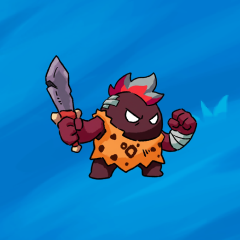
Four unit types form an Age of Empires-style counter wheel. Each unit has one main counter target and one main weakness — knowing the wheel is the difference between winning and losing every battle.
| Unit | ATK | HP | Speed | Carry | Pop | Beats | Role |
|---|---|---|---|---|---|---|---|
| Swordsman | 18 | 90 | 1.0x | 15 | 1 | Lancer | Front-line infantry |
| Archer | 28 | 60 | 1.0x | 10 | 1 | Swordsman | Ranged pressure; position matters |
| Lancer | 10 | 110 | 0.9x | 12 | 1 | Rider | Anti-cavalry specialist |
| Rider | 22 | 80 | 1.8x | 30 | 1 | Archer | Mobile counter to archers |
Training Costs
Each troop type has different resource costs and training time. Training happens at the Barracks. Rider is a premium unit — expensive to train but the strongest counter to Archers.
| Unit | Pumpkins | Fire Dust | Wood | Stone | Time |
|---|---|---|---|---|---|
| Swordsman | 10 | 8 | - | - | 1 min |
| Archer | 15 | 12 | 5 | - | 1.75 min |
| Lancer | 10 | 6 | - | 4 | 1 min |
| Rider | 65 | 75 | - | - | 1.5 min |
Eggs & Invoked Units

Eggs are summoned from the Altar (level 3 required) for 150 Fire Dust each. Once you have an egg, it can be hatched at the Barracks to invoke an NFT from your wallet: Barracks level 3 unlocks Axies, and Barracks level 4 unlocks Mokis. The egg creates an Invoked Unit -- a playable copy stationed on your land that counts toward your population cap. The original NFT stays in your wallet.
Each Axie class converts into a specific troop type with unique stats, stronger than regular trained troops. Mokis are neutral tanks: they do not use the swordsman, archer, lancer, or rider counter wheel, but they have very high HP, low attack, slow speed, and draw incoming damage before the rest of the army. If an invoked Axie or Moki dies, the NFT can be invoked again later with a new egg.
| Class | Troop | ATK | HP | Pop | Speed | Biome |
|---|---|---|---|---|---|---|
| Beast | Swordsman | 30 | 155 | 2 | 1.05x | Desert |
| Bug | Swordsman | 29 | 175 | 2 | 0.95x | Volcano |
| Reptile | Lancer | 29 | 195 | 2 | 1.00x | Glacial |
| Plant | Lancer | 23 | 305 | 3 | 0.90x | Jungle |
| Bird | Rider | 29 | 135 | 2 | 1.30x | Beach |
| Aquatic | Rider | 22 | 195 | 2 | 1.10x | Swamp |
| Mech | Archer | 22 | 155 | 2 | 1.10x | -- |
| Dawn | Archer | 26 | 215 | 3 | 1.00x | Mystic |
| Moki | Neutral Tank | 4 | 900 | 4 | 0.75x | -- |
PvP & Diplomacy
Primos Landz features player-versus-player combat and a diplomacy system. Attack enemy lands, form alliances, or negotiate peace. NFT land combat uses catapult sieges and troop battles, while the world map also includes raider settlements and player Freecamps.
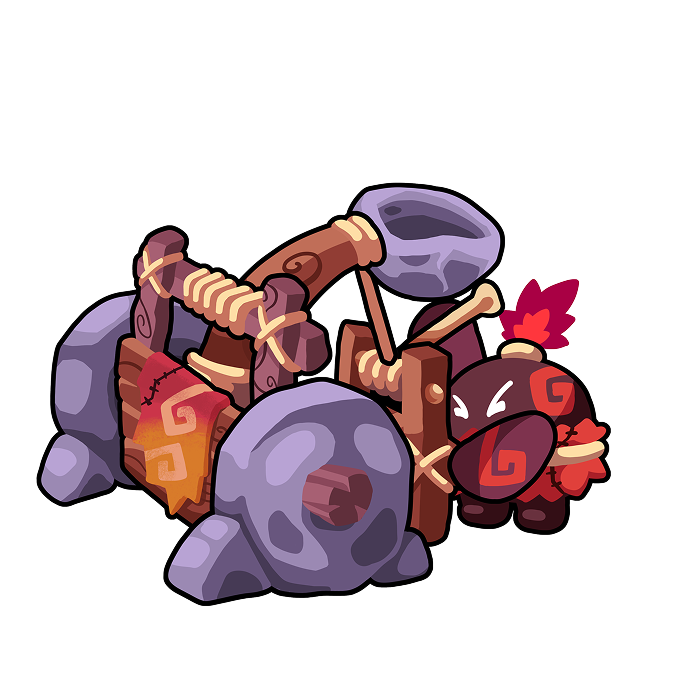
Catapult Attacks
- Launch projectiles at enemy buildings
- 30-60 minute flight time
- Can be hit, miss, or intercepted
- Damages buildings (reduces HP)
- Ammo replenishes over time
Troop Battles
- Send armies led by a Hero Primo
- Formation battles use a 3×3 army layout
- Up to 10 rounds of combat
- Winning LANDZ raids may loot resources and capture workers
- Defenders get biome bonuses
Defense Towers
A Defense Tower protects one owned LANDZ. While active, it adds 2–10% passive defense based on level—even with no arrows loaded. Arrows separately let it intercept incoming catapult attacks or fire a volley before a troop battle. A Tower does not defend while it is upgrading, repairing, or at 0 HP.
Raiders & Freecamps
Raider settlements are map enemies that can fight LANDZ. Some are controlled by the system, and some are player Freecamps owned by wallets without LANDZ. LANDZ owners can attack raider settlements and Freecamps, but defeating a player Freecamp reduces its XP instead of conquering it.
How Combat Works
Formation battles use a 3×3 layout with front, back, and reserve positions across three sectors. Position and troop type affect targeting; reserves can move forward as the battle develops. Combat lasts up to 10 rounds and can end earlier through losses or a morale retreat. If the round limit is reached without an attacking victory, the defender holds.
A Hero Primo leads a LANDZ army. Its rarity sets command capacity rather than granting direct ATK/DEF. Choose your troop mix, formation, and readiness before confirming. Reports preserve the rules used for that battle: older reports can use legacy combat, so their targeting and opening bonuses should not be read as the rules for a new Formation battle.
Morale System
Morale is an anti-bully mechanic based on the rarity of the origin and target LANDZ. An army attacking from a higher-rarity LAND against a lower-rarity LAND receives reduced attack effectiveness. Attacking an equal- or higher-rarity target keeps full rarity morale. Primo rarity and army size do not change this value.
Sustento & Combat Readiness
LANDZ soldiers, including Axies, need Fire Dust upkeep wherever they are, including pillars and marching armies. Manage the full army payment, funding source, and next due date in Primos & Inventory or Storage. Raiders, Freecamp troops, and Mokis do not pay upkeep.
Automatic upkeep renews seven days of coverage when payment is due. If there is not enough Fire Dust for the full payment, nothing is deducted. Confirmed nonpayment lowers upkeep morale through 50 → 20 → 0. Paying full coverage restores it to 100.
Combat uses the average upkeep morale of the participating soldiers. Unpaid soldiers weaken that army when attacking or defending. Paying ahead extends coverage without granting extra combat stats. Towers are buildings and have no upkeep morale.
Invoked units can participate according to their assignment and the battle rules. Check your LANDZ defense and army selection: units already committed to a march are not available to defend at home. Battle morale can also fall during Formation combat and trigger a retreat; it is separate from the LANDZ rarity modifier above.
Loot & Workers
If the attacker wins, they steal 25% of the defender's storage (minus what's protected in the Hideout). A devastating victory (75%+ troops survive) steals 40%. Loot is limited by your army's total carry capacity. Any leftover carry can be used to capture the defender's summoned workers (10 carry per worker).
Biome Bonuses (Defenders Only)
| Biome | Bonus | Details |
|---|---|---|
| Glacial | +10% DEF | All defending troops |
| Volcano | +10% ATK | All defending troops |
| Jungle | +15% DEF | Archers only |
| Beach | +15% ATK | Riders only |
| Swamp | +15% DEF | Lancers only |
| Desert | +15% DEF | Swordsmen only |
| Mystic | +5% ATK & DEF | All defending troops |
Diplomacy
Players start as Neutral. Attacking someone makes you enemies. You can negotiate peace through diplomatic requests. Separately, the Alliance panel lets a group of up to three members organize with a leader and invitations.
War Declaration
Attacking a player automatically makes you enemies. Enemies can attack each other freely.
Tributes
Demand 100-10,000 Fire Dust from another player. They have 48 hours to respond. If they pay, you become allies for 7 days. If they reject, you become enemies. Limit: 1 tribute per target per 7 days.
Temporary Allied Relations
These allied relations prevent attacks for 7 days after an accepted tribute or peace request. They are separate from membership in a three-player alliance.
Peace Requests
Request to end enemy status. If accepted, you become allies for 7 days. If rejected, there's a 24-hour cooldown before you can request peace again.
LANDZ Shields
A shield temporarily prevents new troop, catapult, Freecamp, and automated raider attacks against a protected LANDZ. Native LANDZ and Axie Lands are both eligible. Active shields appear as a translucent capsule around the LANDZ image and show their remaining time.
Individual LANDZ Shield
- Protects one LANDZ for 12 hours after activation
- Costs exactly 50 Fire Dust from that LANDZ storage
- Purchase and activate it from the LANDZ detail page
- Maximum one purchased or active individual shield per LANDZ
- The shield inventory transfers with the LANDZ if it is sold
Global Wallet Shield
- Protects every LANDZ you own for 24 hours after activation
- Costs $2.99 USDC or the server-quoted RON equivalent
- Purchase it in the Store and activate it from your active Capital
- Maximum one purchased or active global shield per wallet
- It remains wallet-bound if your Capital changes or is sold
Buying, Activating & Deactivating
1. Buy first, activate later
A purchased shield stays in private inventory until you manually activate it. Buying is allowed during warfare, but activation is not.
2. Activation requires peace around your LANDZ
Activation is blocked while an owned LANDZ has unresolved incoming or outgoing warfare, including an army returning home. An attack already in flight continues normally.
3. Attacking breaks your protection
Launching an attack breaks the applicable active shield. If the launch fails, the shield break and every other launch side effect roll back together.
4. Deactivation is permanent
You can deactivate an active shield to switch strategies, but all remaining time is destroyed and there is no refund.
Overlaps & Other Actions
You cannot manually activate an individual and global shield over the same LANDZ. If a LANDZ transfer creates an overlap, the individual shield is displayed and applied first while both timers continue running. Spy, Visit, Tribute, and Diplomacy actions do not break a shield and remain available.
Recovering a Paid Global Shield
The Store reserves a checkout before requesting payment. If your payment succeeds but delivery is interrupted, resume that same checkout instead of paying again. The app can recover the saved transaction automatically, or you can paste its transaction hash into Recover paid shield. The server verifies the original wallet, currency, amount, recipient, network, and anti-replay record before delivering anything.
Espionage
Espionage lets you send one of your Primos from an owned source LANDZ to inspect another LANDZ before committing an army. Start from the Spy action in Map or Explore, then review active operations and completed reports in Diplomacy under Battles.
Launch Cost
- 10 Fire Dust
- 10 Pumpkins
- Both are taken from the selected source LANDZ only
- Personal and PACKAGED storage cannot pay the spy cost
Travel & Availability
- One-way time: 15 + biome distance × 15 minutes
- The return trip takes the same amount of time
- The Primo is unavailable from launch until it returns
- LANDZ or Primo transfers do not cancel an active spy operation
Who You Can Spy On
- The target must be another player's LANDZ
- The source LANDZ and Primo must belong to your wallet
- The Primo must be free from work, travel, Shaman House assignments, and combat
- Allied and peace-protected wallets cannot be spied on
Success and Detection
A level 1 Primo starts with a 45% success chance. Each additional level adds 0.35 percentage points, up to an 80% maximum. If the spy attempt fails, it is always considered detected: no intelligence or XP is awarded, and the defender is told the launcher's wallet, source LANDZ, and detected Primo.
A successful spy attempt rolls report quality separately. Critical chance grows from 10% at level 1 to 30% at level 99, while Advanced occupies the next 30 percentage points. All other successful reports are Basic.
| Quality | Resources | Troops | Capturable Workers | Base XP |
|---|---|---|---|---|
| Basic | Ranges of 500 | Presence + total range of 50 | Presence only | 5 |
| Advanced | Ranges of 100 | Each troop type in ranges of 10 | Range of 5 | 10 |
| Critical | Exact amounts | Exact composition | Exact count | 20 |
Repeat XP and Daily Cap
Successful spy attempts from the same wallet against the same target LANDZ within a rolling 24-hour window award 100%, 50%, 25%, then 0% XP. Detected attempts do not advance this successful-repeat count. A Primo can receive at most 100 spy XP per UTC day, but spying may still gather intelligence after reaching the cap.
Buildings
Every land comes with buildings that serve different purposes. Some produce resources, others provide defense or special abilities. All buildings can be upgraded to level 5 using resources.
Production buildings (Farm, Mine, Lumber Mill) follow an 80/20 split: 80% of resources go to the worker, 20% to the land owner. If you work on your own land, you keep 100%. The Refinery is the exception -- 100% always goes to the land owner.
Farm
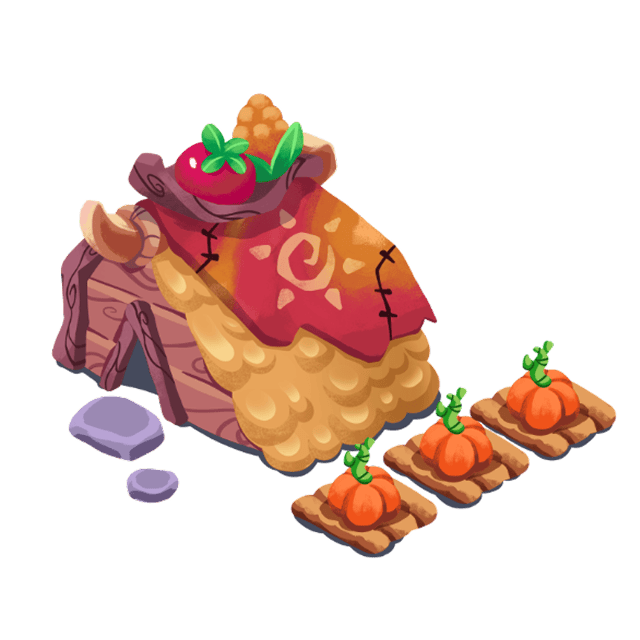
The Farm produces Pumpkins, the primary resource of the game.
- Input: 5 Seeds per Primo
- Output: 5 Pumpkins per Primo
- Upgrades: More slots per level
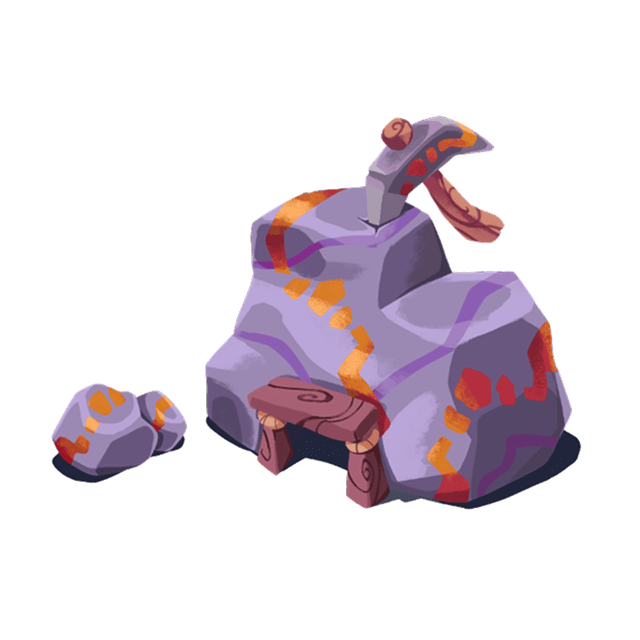
Mine
Native LANDZ Mines can extract Fire Dustor Stone. Axie Land Mines produce Stone only; Axie Lands do not have Refineries.
- Input: 1 Pickaxe per Primo
- Output: Fire Dust (varies by primo rarity)
- Upgrades: More slots per level
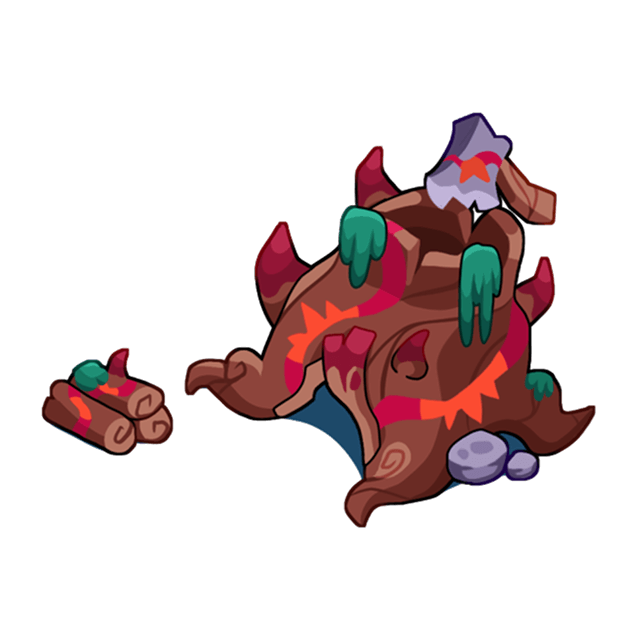
Lumber Mill
The Lumber Mill produces Wood, essential for building upgrades and troop training.
- Input: 1 Axe per Primo
- Output: Wood (varies by primo rarity)
- Upgrades: More slots per level
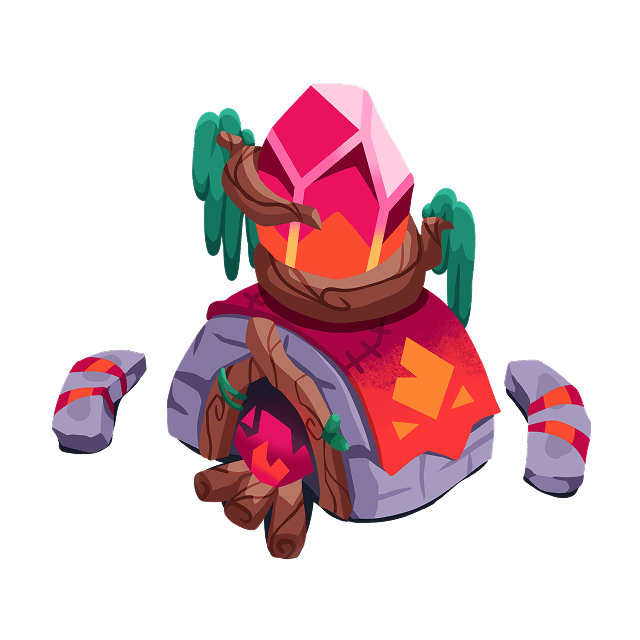
Refinery
The Refinery converts Pumpkins into Fire Dust. Unlike other buildings, 100% goes to the land owner.
- Input: Pumpkins (from storage)
- Output: Fire Dust (varies by level & rarity)
- Special: No workers needed, passive production, 100% to land owner
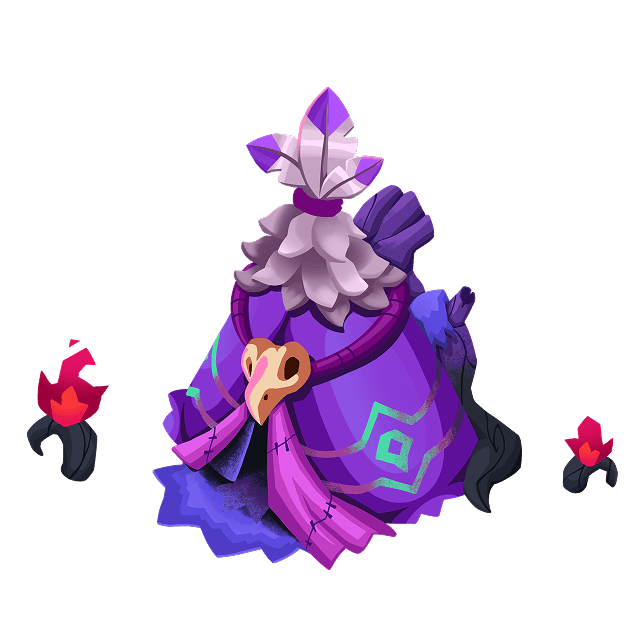
Shaman's House
The Shaman's House sends Primos on timed missions (1-72 hours) that reward special resources.
- Input: 1-3 Primos + Fire Dust + Pumpkins
- Output: HweenPointZ, Zugar, Pumpkin BaZkets
- Duration: 1-72 hours depending on mission
- Special: Higher rarity lands unlock better missions
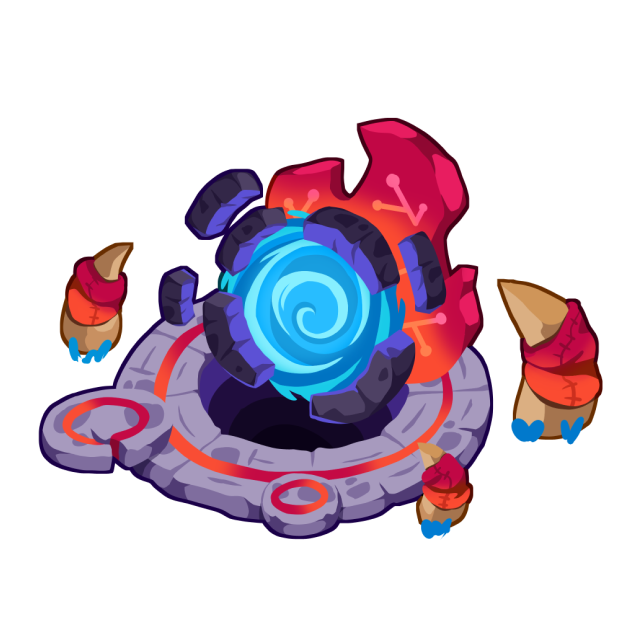
Altar
The Altar summons new workers and eggs. It's indestructible in PvP -- enemies can never destroy it.
- Level 1: Summon workers (75 FD + 20 Pumpkins; Genesis: 400 FD + 80 Pumpkins)
- Level 2: Summon Primo Warriors (50 Fire Dust each)
- Level 3: Summon Eggs (150 Fire Dust)
- Special: Cannot be destroyed by enemies
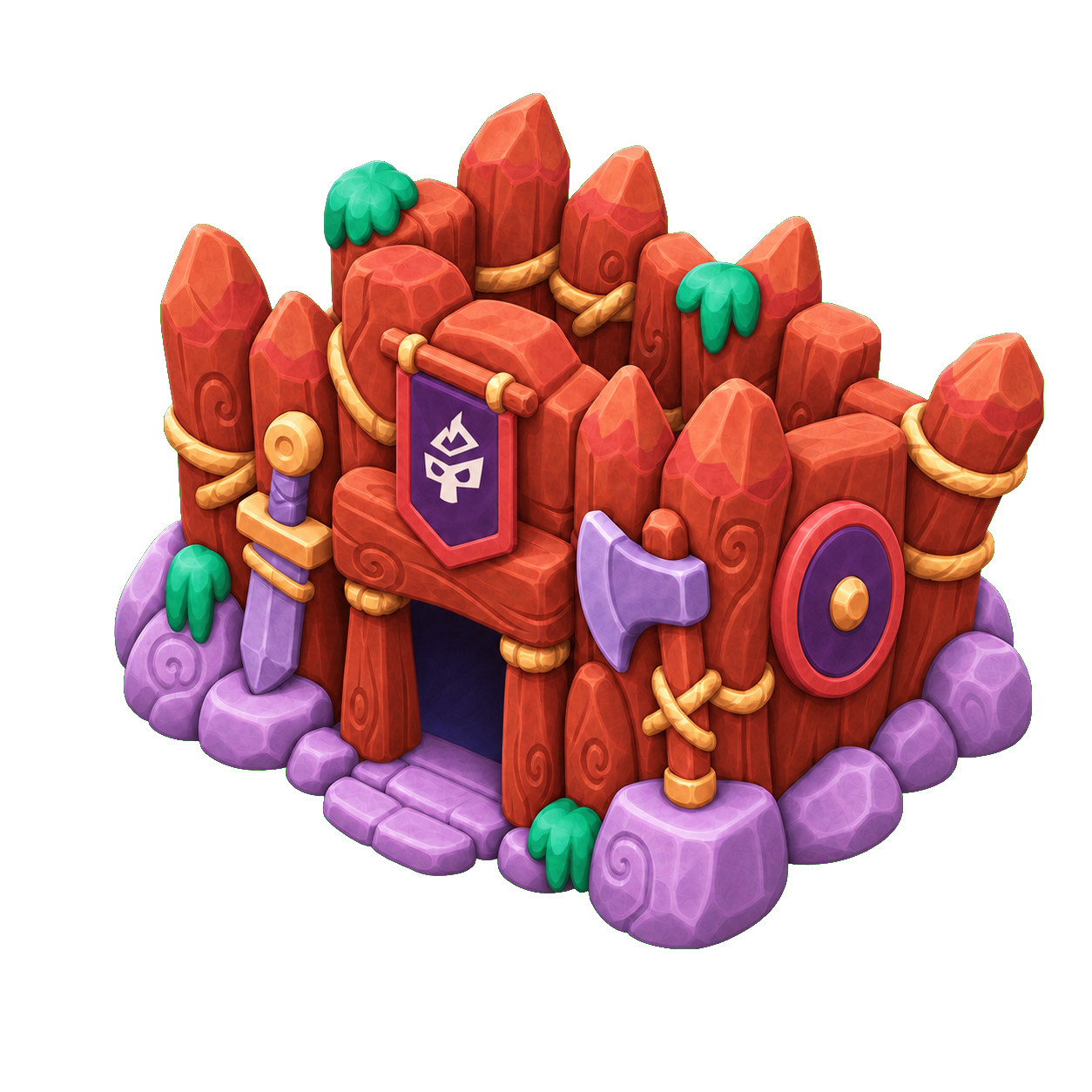
Barracks
The Barracks trains combat troops for PvP battles. Each troop type has different stats and resource costs.
- Level 1: Swordsman, Archer, Lancer (1 training slot)
- Level 2: Rider unlocked (2 training slots)
- Level 3: Axie egg hatching, 3 training slots
- Level 4: Moki egg hatching, larger training queue
- Level 5: 1.5x training speed

Conduit
The Conduit connects to a public altar remotely, allowing you to summon workers without owning an altar.
- Build Cost: 1,000 Fire Dust + 1,000 Stone + 1,000 Wood
- Construction: 24 hours (can accelerate with FD)
- Use: Connect to any public altar to summon workers remotely
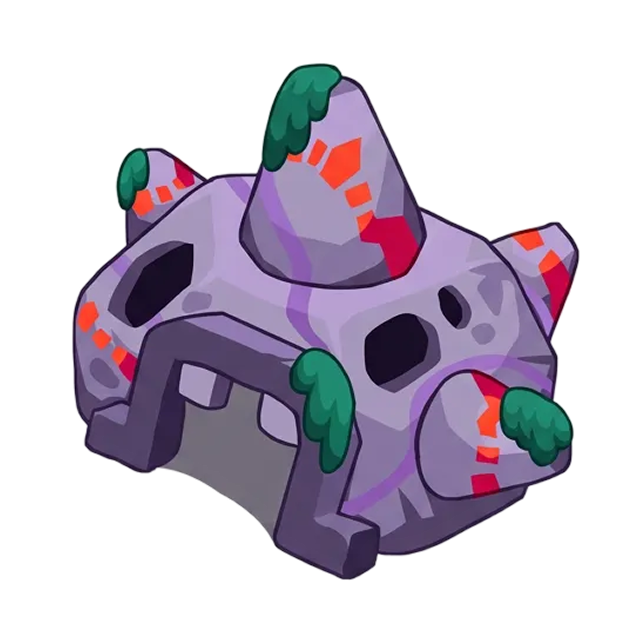
Hideout
The Hideout protects your resources from PvP raids. Resources stored in the hideout can't be stolen.
- Capacity: Based on level (upgrade to protect more)
- Protection: Hides resources from attackers
- Upgrades: Higher level = more protected storage
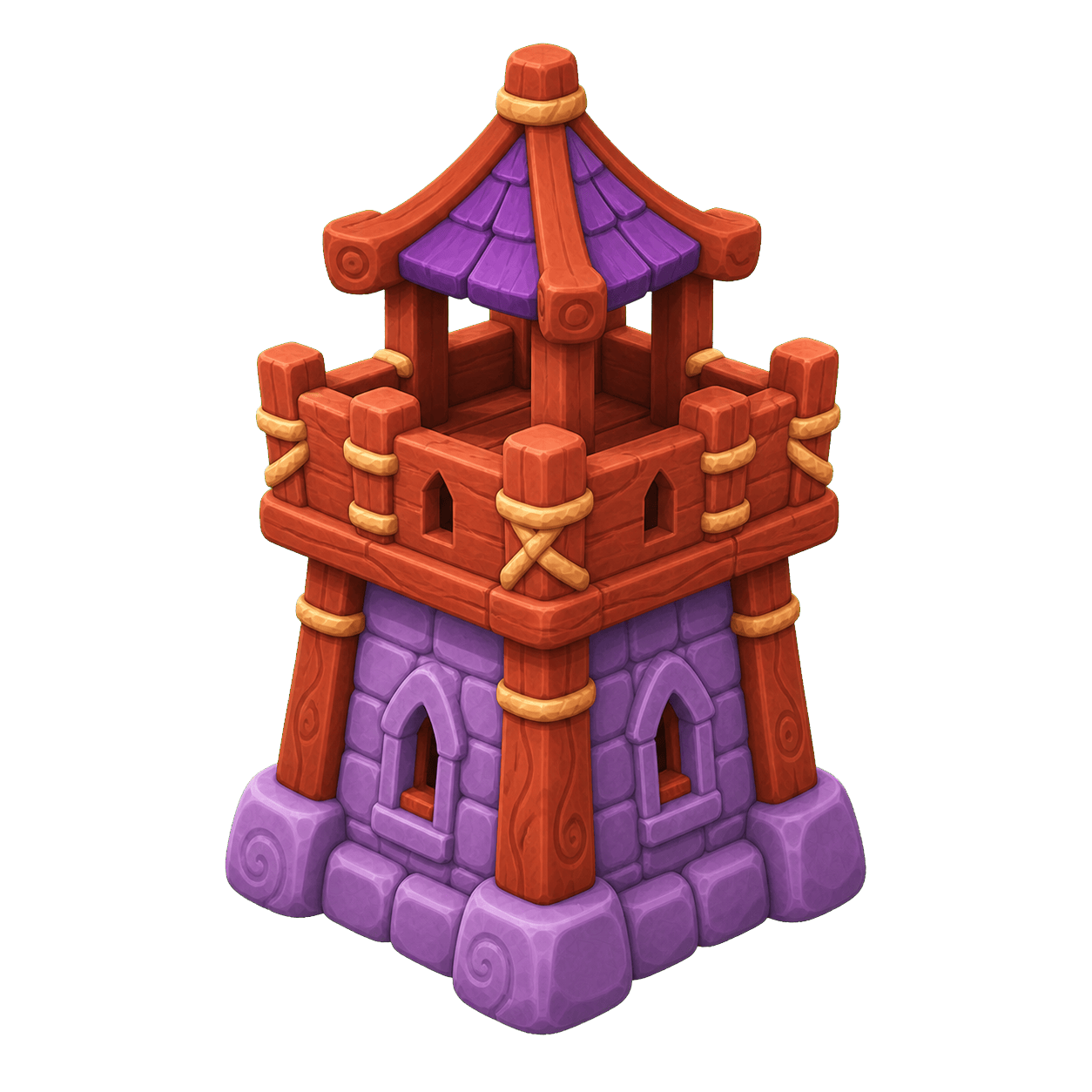
Defense Tower
Build a Defense Tower on an owned LANDZ to strengthen it against catapult strikes and troop attacks. Tower HP grows with its level and the LANDZ rarity.
- Build Cost: 500 Fire Dust + 1,000 Wood + 1,000 Stone
- Construction: Level 1 is built instantly
- Arrows: Buy them in Store → Supplies, then load them from inventory
- Free Arrows: Gain 5 after each full day, up to half of the Tower's capacity
- Availability: The Tower must have HP and cannot be upgrading or repairing
| Level | Arrow Capacity | Troop Volley Limit | Passive Defense | Catapult Intercept Chance |
|---|---|---|---|---|
| 1 | 25 | 10 arrows | +2% | 10% |
| 2 | 50 | 15 arrows | +4% | 15% |
| 3 | 100 | 25 arrows | +6% | 20% |
| 4 | 150 | 35 arrows | +8% | 25% |
| 5 | 250 | 50 arrows | +10% | 30% |
Passive defense multiplies the effective defense of every unit currently defending that LANDZ, including regular troops, defending Axies, and active Moki guards. There is no separate garrison action: regular troops left on the LANDZ defend it automatically. The bonus never buffs the attacker and does not consume arrows. Each arrow can deal 12 damage. A troop volley cannot remove more than 10% of the attacking army's units or total HP. A successful catapult interception uses 5 arrows; failed interception rolls do not spend arrows. If the LANDZ also has a ready Catapult, the Tower's interception chance is halved.
Arrow Management
Paid arrows cost 10 Fire Dust + 5 Wood each. You can load or unload paid arrows while Tower management is available. Free arrows stay with the Tower and cannot be unloaded. Free arrows are spent before paid arrows. Turn on Auto-reload if you want the Tower to refill spent paid arrows from inventory after combat.
Tower Upgrades
| Upgrade | Fire Dust | Wood | Stone | Time |
|---|---|---|---|---|
| Level 1 → 2 | 1,000 | 2,500 | 2,500 | 8 hours |
| Level 2 → 3 | 2,500 | 5,000 | 5,000 | 24 hours |
| Level 3 → 4 | 5,000 | 10,000 | 10,000 | 48 hours |
| Level 4 → 5 | 10,000 | 20,000 | 20,000 | 72 hours |
The Tower must be at full HP before an upgrade can start. When the timer ends, select Complete Upgrade. You can finish early for 100 Fire Dust per remaining hour, rounded up.
Material planning is shared by building flows, including standard buildings, Tower, Altar, Barracks, Hideout, Catapult, and Conduit. Open a build or upgrade action to compare its exact cost with your available portfolio materials. The plan shows each deficit, your average daily worker production from the last 30 days, and an estimated time to readiness. Tradable-resource shortcuts open the Market with a protected quantity already filled in; nothing is spent until you confirm.
Repairs
Repairing restores all missing HP. It costs 10 Stone per missing HP and takes 1 minute for every 5 HP, rounded up. When the timer ends, select Complete Repair. The Tower does not defend while repairs are in progress.
Catapult
The Catapult launches projectile attacks on enemy lands, dealing damage to their buildings.
- Ammo: Replenishes over time
- Flight Time: 30-60 minutes
- Outcomes: Hit, Miss, or Intercepted
- Targets: Damages enemy buildings (not the Altar)
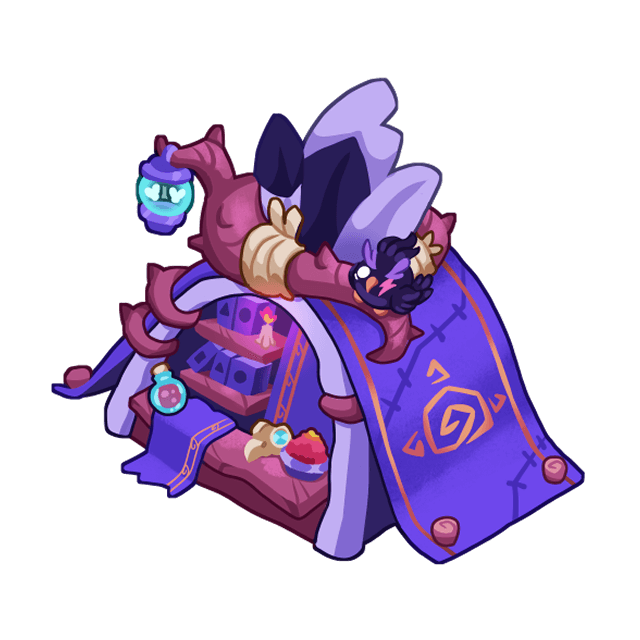
Exchange House
The Exchange House allows you to convert resources between types, such as Pumpkins to Fire Dust.
- Location: Found in the Storage section
- Conversions: Instant resource swaps
- Fees: Small conversion fee applies
Upgrading Buildings
All buildings can be upgraded from Level 1 to Level 5. Upgrades increase slots, production, capacity, and other stats. Upgrades consume Fire Dust, Wood, and Stone from your in-game storage. The Defense Tower follows its own upgrade costs and timers shown above.
| Upgrade | Fire Dust | Wood | Stone |
|---|---|---|---|
| Lv1 -> Lv2 | 1,000 | 500 | 500 |
| Lv2 -> Lv3 | 5,000 | 5,000 | 5,000 |
| Lv3 -> Lv4 | 8,000 | 10,000 | 10,000 |
| Lv4 -> Lv5 | 15,000 | 20,000 | 30,000 |
Resources
Resources support production, construction, and armies through in-game storage. Only eligible resources can be packaged and claimed as on-chain tokens. Check Storage for the available claim types.
Production Resources

Pumpkins
Primary resource from Farms. Used for summoning, upgrades, healing, and more.

Fire Dust
Premium resource from Mines & Refineries. Upgrade costs are consumed from in-game storage.

Wood
Building material for upgrades and troop training.

Stone
Building material for high-level upgrades.
Consumable Items
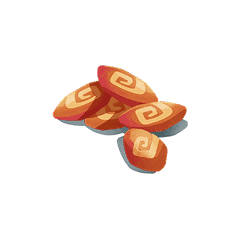
Semillas (Seeds)
Required to work on the Farm (5 per Primo). Buy from the Store.
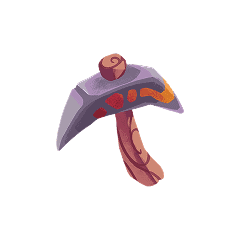
Picos (Pickaxes)
Required to work on the Mine (1 per Primo). Buy from the Store.
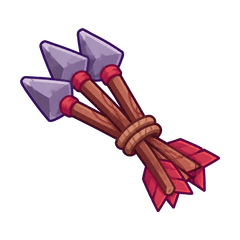
Arrows
Defense Tower ammunition. Buy in Store → Supplies for 10 Fire Dust + 5 Wood each, then load paid arrows from the Tower card.
Market
The Market lets you buy or sell Pumpkins, Wood, or Stone in protected batches from 100 to 10,000 units using Fire Dust. Choose Personal Storage or one of your owned LANDZ before trading; only the selected storage is used. Bulk totals are quoted as consecutive 100-unit price steps, so a large order costs exactly the same as the equivalent clicks and is cancelled before execution if the quote changes.
Prices
At neutral conditions, buying costs 125 Fire Dust and selling pays 60 Fire Dust per 100 resources. Buy quotes stay between 25 and 250 Fire Dust; sell quotes stay between 6 and 120 Fire Dust. Buying pushes the next buy quote higher, selling pushes the next sell quote lower, and prices gradually return toward neutral over time.
Merchant Funds
Your sell proceeds come from the Merchant's available Fire Dust. If the Merchant cannot cover the displayed sell quote, selling pauses until funds return. The current Merchant funds are shown on the Market page.
Weekly Selling Allowance
Each wallet can receive up to 2,000 Fire Dust from Market sells per week. The allowance is measured in Fire Dust proceeds, not resource units, and resets every Monday at 00:00 UTC. The Market shows your remaining allowance.
Storage & Claiming
Collected production goes into off-chain storage. Keep materials there for gameplay, or package eligible resources for an on-chain claim. The storage system has three tiers:
Personal Storage
Receives the worker's 80% share. These are resources you earned by working.
Land Storage
Receives the owner’s share from work on that LANDZ. Production from your own Primos on your own LANDZ keeps both shares there.
Packaged (Ready to Claim)
Eligible resources prepared for an on-chain claim. They are excluded from spendable storage. Review the displayed claim fee before confirming.
Caravan System
To move resources from storage to a claimable state, you need to send a Caravan. Select your available Primos as transport agents -- each Primo has a carrying capacity based on its rarity. After a caravan trip, the Primos used enter a 24-hour cooldown for Caravan.
| Primo Rarity | Carry Capacity |
|---|---|
| Original | 200 units |
| Original Z | 500 units |
| Shiny | 700 units |
| Shiny Z | 1,000 units |
| Unique | 2,000 units |
You can select multiple Primos per caravan -- the total capacity is the sum of all selected Primos. For example: 1 Unique + 1 Shiny Z = 3,000 units in a single trip.
Freecamp Locked Loot
If you win resources as a Freecamp raider, those stolen resources stay locked until you own a Primo and extract them through a caravan. Mission rewards are separate from stolen loot and can be claimed from the Freecamp mission flow.
Claiming On-Chain
Send Caravan
Select Primos and resources to package. Resources move to "Ready to Claim" status.
Pay Fee
Review and pay the fee displayed for this claim.
Receive Tokens
The eligible packaged resources are claimed as tokens to your wallet.
Blacksmith
The Blacksmith is where you use recipes to turn stored resources into useful materials or rewards. To use a recipe, first move the required tokens into your game storage through the Exchange.
Example recipe: Stone
Recipes show what you spend and what you forge.
Inputs
Fire Dust
Required resource

Zand
Required material
Output
Stone
Material received after forging
Open the Blacksmith to see the exact cost, output amount, and available recipes. If the required tokens are still on-chain, use the Exchange first so they become available in storage.
Primolotto
Primolotto is a daily lottery. Buy ticket numbers with Fire Dust, wait for the daily draw, and if one of your numbers wins you receive that day's prize.

How to play
- Choose how many ticket numbers you want to buy.
- Tickets are paid with Fire Dust.
- You can buy up to 10 tickets per wallet each day.
- The winning number is drawn automatically every day.
Daily prizes
- Every day has a different prize.
- Some days reward resources like Fire Dust, Pumpkins, Wood, or Stone.
- Other days can reward troops like Riders, Archers, or Lancers.
- The weekly prize list shows what is available each day.
If you win, you choose where to send the prize when you claim it. Resources can go to storage, and troop prizes can be sent to your lands.
App Pages
Here's a quick overview of every section in the app and what you'll find there.
My Landz
Your land dashboard. View all owned lands, check building status, filter by rarity/biome, and manage your capital.
/my-landsMy Camp
Your Freecamp dashboard for wallets without LANDZ. Choose troop production, track XP, view missions, and manage locked loot.
/my-campPrimos & Inventory
Manage your Primo NFTs and inventory items, including seeds, pickaxes, axes, and Tower arrows. See cooldown timers and work history.
/primosExplore
Browse all lands in the game, even without owning any. Find lands to work on, check available slots, and discover opportunities.
/exploreWorld Map
Interactive map of all lands. Visualize troop movements, plan attacks, and see the game world at a glance.
/mapStorage
Your resource hub. Package resources for claiming, exchange tokens, and view your claim history.
/storageBlacksmith
Craft items from recipes, like spending Fire Dust and Ztone to forge a Primal Evoztone.
/storage/blacksmithPrimolotto
Daily lottery where you buy tickets with Fire Dust for a different prize each day.
/storage/primolottoStore
Buy resource packs with USDC or RON, or use Supplies to purchase tools, seeds, and Tower arrows with in-game resources.
/storeMarket
Trade batches of Pumpkins, Wood, or Stone with the Merchant using live Fire Dust prices. Check Merchant funds and your weekly selling allowance before selling.
/marketBattles
PvP combat hub. Launch catapult attacks, manage troop battles, form alliances, send tributes, and complete PvP quests.
/diplomacyLand Details
Open a LANDZ to manage buildings, workers, resources, troops, and its Defense Tower.
/land/:id
Primos Landz Game Guide -- Built on Ronin Network
Have questions? Join our community on Discord and Twitter.